Stop Using Personal Slack Tokens: How to Professionalize Your App Automations
Personal Slack tokens are a ticking time bomb for your business. Learn how to switch to dedicated Slack Bot connectors using Base44 for more secure, scalable, and professional app notifications.
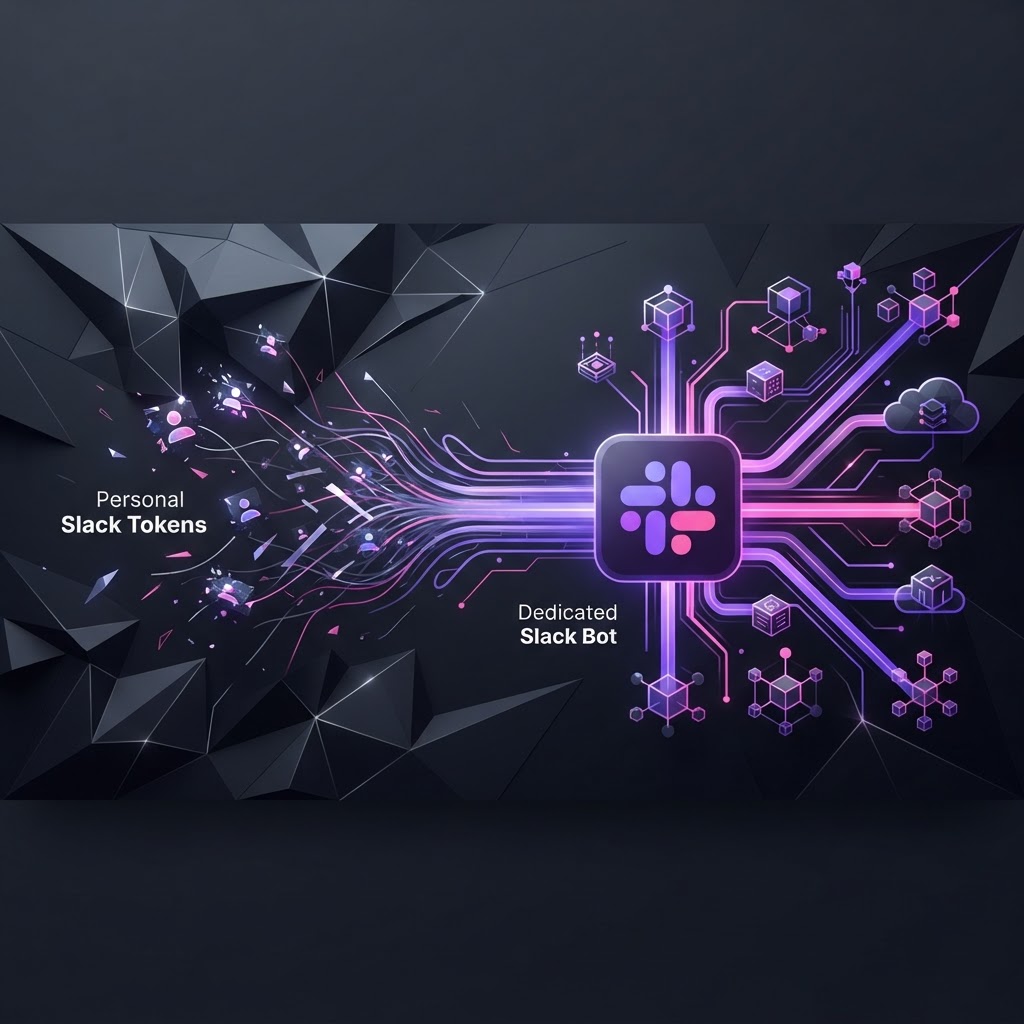
The Hidden Liability in Your Slack Integration
If you are still using a personal Slack legacy token to pipe notifications from your app into your team channels, you are building on sand. I see this constantly with early-stage founders: you grab your own API key, paste it into your environment variables, and ship. It works today, but it’s a massive technical debt trap. When you leave the company, change your password, or your account permissions are revoked by an IT admin, your entire notification pipeline dies.
At Base44, we prioritize building products that don't just work, but scale and persist. If you want your app to feel like a professional enterprise tool, it’s time to move toward dedicated Slack Bot connectors. This is how you ensure that your product's "voice" in Slack is independent, permanent, and secure.
Why Personal Tokens Fail at Scale
When you use your own user account to post messages, you are bypassing the Slack App model. This creates three primary issues:
- Fragility: If your user account is compromised or deleted, your integration breaks. A dedicated Bot entity lives within your Slack Workspace independently of your human credentials.
- Lack of Identity: Messages from your user account look like you. Messages from a bot look like your product. It’s a branding issue. You want your app to have its own avatar and display name.
- Auditability: When things go wrong, you want to track bot activity separately from user activity. Using a dedicated Slack Bot integration makes this trivial.
The Base44 Approach: Building a Professional Notification Pipeline
In the Base44 ecosystem, we don't just 'hack together' an integration. We architect it. Using the built-in Slack (Bot) connector, you can move from ad-hoc alerts to structured, event-driven workflows.
Step 1: Defining the Entity for Triggering
First, define your data entity (e.g., SalesLead or SupportTicket) with the appropriate typed JSON schema. Because Base44 handles the database backend and Row-Level Security automatically, you ensure only the right data triggers the right notifications.
// Base44 manages the backend schema
base44.entities.SupportTicket.create({
  customer: "Acme Corp",
  issue: "Connection timeout"
});
Step 2: Setting Up the Workflow
Instead of hardcoding a call in your frontend, use Base44 Workflows. Create an event-driven trigger based on an entity change (e.g., on create for the SupportTicket).
By leveraging the connector steps in our workflow builder, you point your action to the Slack Bot. This keeps your business logic decoupled from your notification logic. If you decide to switch from Slack to Microsoft Teams or add an email notification via SendEmail later, you only change the workflow, not the app code.
Step 3: Scaling with AI
Professional bots aren't just notification pipes; they are interactive. Using the InvokeLLM feature in Base44, you can process incoming Slack interactions. Pass the incoming message context to gpt_5_5 or claude_sonnet_4_6 to analyze intent or even generate a draft response, which the bot then posts back to the channel.
Durable Architecture: Why This Matters
When you build on Base44, you aren't just writing scripts; you are managing a product lifecycle. By using the managed backend and OAuth connectors, you move from "Developer-in-the-loop" to "System-in-the-loop."
- Managed Auth: Your Slack Bot credentials are handled securely by Base44.
- Durable Steps: If a Slack API call fails due to a rate limit, the Base44 workflow engine manages the state. You don't lose that notification.
- Multi-Channel Strategy: Because your logic is defined in workflows, your "Product Notification" can live in Slack, be mirrored in an internal dashboard built with
shadcn/ui, and trigger aSendPushNotificationfor critical mobile alerts, all from the same data source.
The Takeaway: Stop Building Hacks
If you want to move fast, stop building fragile bridges. The difference between a side project and a professional SaaS is how it handles its system-to-human communication. A dedicated Slack Bot integration is the bare minimum requirement for any product that intends to survive beyond its first deployment.
Stop relying on your personal tokens. Use Base44 to connect your data to your communication channels in a way that is robust, branded, and ready for scale. If you are ready to professionalize your stack, log into your dashboard, configure your OAuth connector, and replace that manual script with a workflow today.