Stop Moving Data: Query Snowflake and Databricks Directly in Your Base44 Apps
Stop building brittle ETL pipelines. Learn how to bridge the gap between your enterprise data warehouse and your front-end apps using Base44's native connectors.
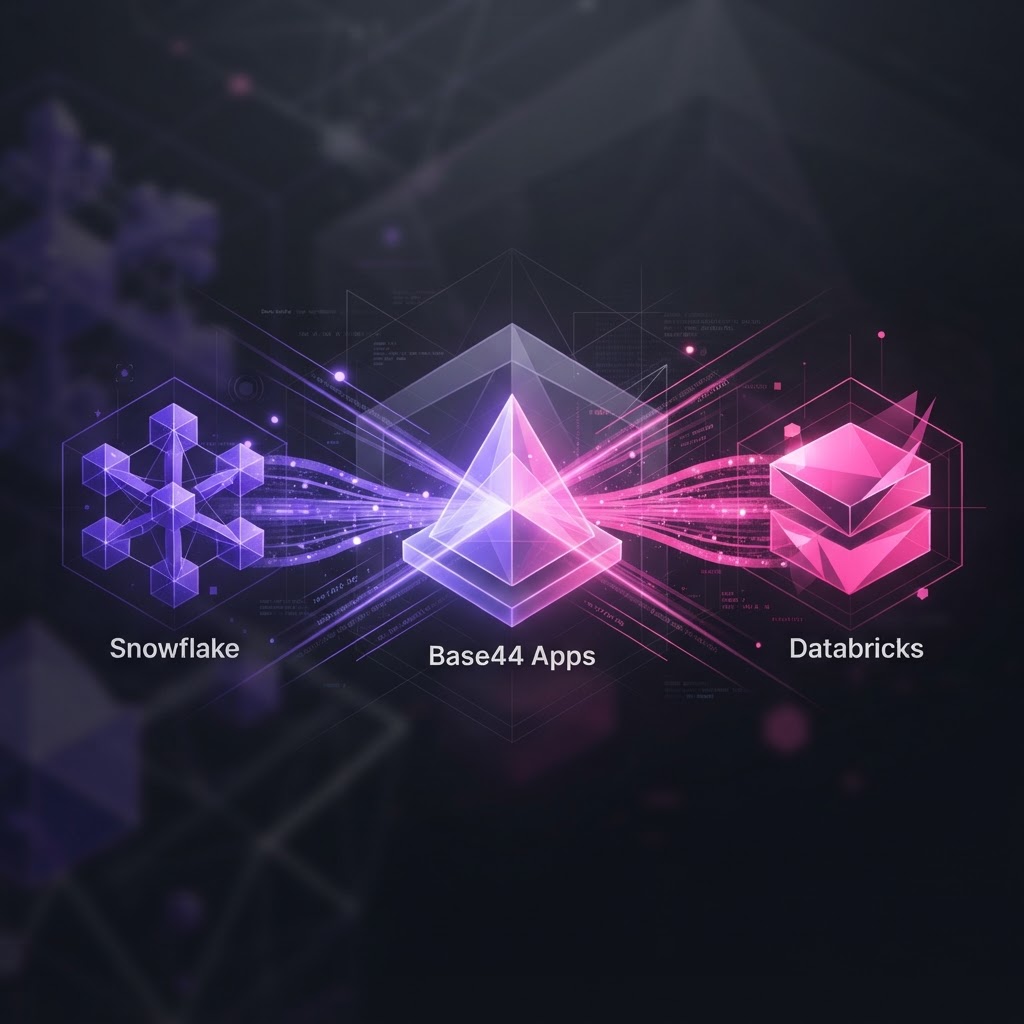
The Data Silo Fallacy
Most founders are trapped in a loop of 'data gymnastics.' You spend weeks setting up ELT pipelines, staging tables, and synchronization scripts just so your internal dashboard or customer-facing portal can display a few rows from your production warehouse. It is a massive waste of velocity. If you are building on Base44, you don't need to replicate your Snowflake or Databricks data into a secondary database to make it useful. The gap between your warehouse and your UI just closed.
Connect, Don't Copy
Base44 isn't just a no-code builder; it is a full-stack engine designed for speed. By utilizing our native App Connectors for Snowflake and Databricks, you can interact with your enterprise data directly. Instead of syncing gigabytes of data into your app entities, you use the connectors to query what you need, when you need it.
When you integrate your warehouse via OAuth, you gain the ability to pipe live enterprise data directly into your workflows. Whether you are building an internal audit tool or a real-time analytics dashboard, you are hitting the source of truth directly. This preserves your RLS (Row-Level Security) policies and keeps your data footprint clean.
Bridging the Gap with AI Agents
This is where it gets interesting for product builders. Base44 allows you to pair your Snowflake or Databricks data with AI agents. By leveraging the InvokeLLM integration, you can feed live warehouse data into a model—choosing from options like Claude Sonnet 4.6 or GPT-5.5—to perform complex analysis on demand.
Imagine an internal tool where a manager asks a question in natural language: 'Why did churn increase in Q3?' The agent runs a query against your Snowflake instance, processes the results through an LLM, and surfaces a human-readable summary in your app’s UI. You aren't just building a CRUD interface; you are building an intelligent business operations hub.
How to Architect It
- Connect your warehouse via the App Connectors menu (OAuth handles the heavy lifting).
- Use Workflows to trigger data fetches based on specific events—like a user login or a scheduled cron job.
- Pipe the connector output into your frontend, which is already pre-initialized with the
@/api/base44ClientSDK. - Wrap the data in shadcn/ui components for a polished, enterprise-ready look.
The Founder's Takeaway
Speed kills, but not in the way people think. You don't get ahead by writing the most code; you get ahead by eliminating the most friction. Data movement is friction. By connecting your warehouse directly to your Base44 apps, you strip away the middleman. Stop building infrastructure you don't need and start building the product that solves the problem. Your warehouse is no longer a graveyard for data; it is the engine for your next app.