Scaling AI Agents: Enabling User-Owned OAuth Connections in Base44
Move beyond hardcoded internal tools by letting users securely connect their own accounts to your AI agents using Base44's OAuth connectors.
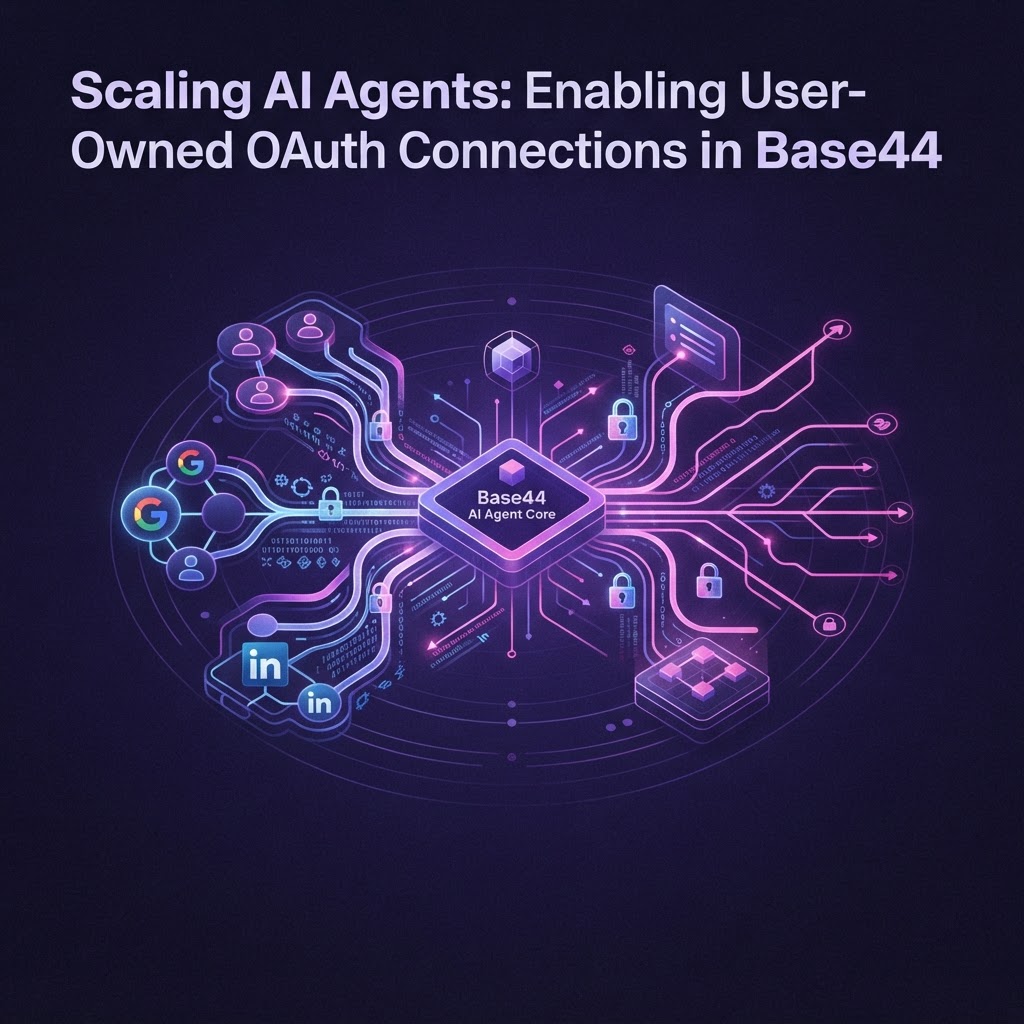
Beyond Internal Tools: The Power of User-Owned Connections
Most AI agents start as internal tools, performing tasks within your walled garden. But to build truly scalable products, your agents need to act on behalf of your users. This means allowing your customers to securely link their LinkedIn, Google, or Salesforce accounts to your platform. With Base44, this process is no longer a massive engineering hurdle. Here is how you can leverage user-owned connectors to build sophisticated AI-powered applications.
1. Leverage Managed OAuth Connectors
Stop building manual OAuth flows. Base44 provides pre-built connectors for over 50 platforms, including Google Workspace, HubSpot, LinkedIn, and GitHub. When you use these managed connectors, you bypass the complexity of token storage and refresh logic. By utilizing these native integrations, your AI agents gain secure, authenticated access to the specific data your users want to automate, all while keeping the heavy lifting within the Base44 backend.
2. Implement Row-Level Security (RLS) for Token Isolation
Security is paramount when handling user credentials. Base44’s architecture allows you to map authenticated user sessions to specific connector permissions. By utilizing the built-in User entity (id, full_name, email, role), ensure that your Entity-based data models enforce RLS. This guarantees that User A’s AI agent cannot access the data or tokens belonging to User B, even when using the same underlying agent architecture.
3. Use Workflows for Proactive Triggering
User-connected accounts shouldn't just sit idle. Use Base44 Workflows to create proactive behaviors. Trigger an agent to act when a connector webhook fires—for instance, when a user receives a new email in Gmail or a new ticket in Jira. By chaining these triggers with InvokeLLM, your agents can perform intelligent actions like summarizing a new Lead in Salesforce or drafting a response to a GitHub issue automatically.
4. Create Structured Context with InvokeLLM
Your agents are only as good as the context they have. When a user connects their account, use Base44’s InvokeLLM capabilities to query that data. Use response_json_schema to force the agent to return data in a format your app can parse, and utilize add_context_from_internet or specific connector outputs to ground your agent's reasoning. By feeding your agent specific, user-authorized data, you ensure higher accuracy and relevance in every response.
5. Build Multi-Channel Interfaces
Don't limit your agents to your web dashboard. Base44 apps can be deployed across iOS, Android, and web from a single codebase. By using the same SDK—@/api/base44Client—you can expose your agent's tools to WhatsApp or Telegram. When a user connects their LinkedIn account via your web portal, that agent should be just as accessible and functional when they interact with it via a mobile chat interface.
Final Takeaway
The shift from internal automation to user-facing AI products relies on trust and connectivity. By leveraging Base44's managed OAuth connectors and robust entity-level security, you can ship production-grade agents in minutes rather than months. Focus on defining your AI logic, and let the platform handle the integration layer.