Stop Coding, Start Talking: Debugging with Superagent Voice and Screen Sharing
Learn how to use Superagent voice mode and real-time screen sharing in Base44 to debug, iterate, and ship your products faster than ever.
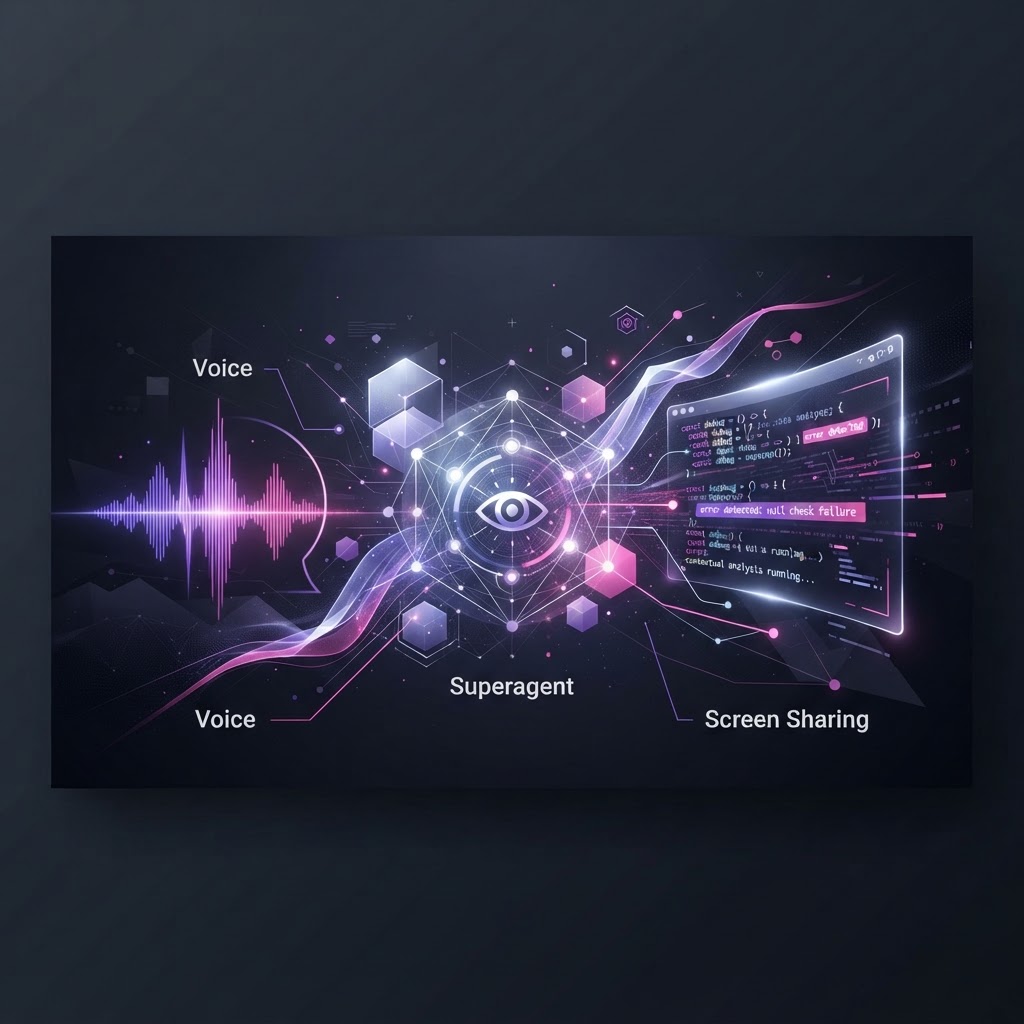
The Bottleneck of Traditional Development
Most founders spend more time explaining their bugs to developers or fighting with cryptic stack traces than they do actually building value. In the world of Base44, we flipped the script. We believe that building full-stack apps shouldn't require you to be a CLI wizard or a context-switching master. Today, we’re looking at the most powerful shift in our workflow: using Superagent Voice Mode and real-time screen context to debug and evolve your product.
From Prompting to Partnering
Base44 was built to get you from an idea to a live, production-ready app in minutes. Whether you are building a complex CRM, a custom dashboard, or a member portal, you are working with a system that understands entities—your data models—as typed JSON schemas.
But what happens when you hit a wall? Previously, you’d type a prompt, wait for the AI to interpret your intent, and then manually check the logic. Now, with Superagent Voice and screen sharing, you simply open your workspace and talk. You show the AI exactly what isn’t rendering in your React/Tailwind frontend, or which part of your base44.entities CRUD operation isn’t behaving as expected. The AI doesn’t just guess; it sees.
How It Works in Practice
When you trigger voice mode, you are essentially opening a high-bandwidth feedback loop. Here is how to use it effectively:
1. Visual Contextual Debugging
By sharing your screen, you allow the Superagent to inspect the UI components directly. If a shadcn/ui element isn't triggering your workflow correctly, the agent can see the visual output and correlate it with the underlying backend logic. It bridges the gap between 'what I see' and 'what the code thinks it is doing.'
2. Live Logic Auditing
If your workflow (built via our trigger-driven automation system) is failing, don’t just read the logs. Use voice mode to walk through the event—whether it’s a scheduled cron job or a connector webhook. The Superagent can navigate your invoke_backend_function calls and help you pinpoint where a switch or wait condition is failing, often catching issues before they break your production environment.
3. The Power of Integrated Tooling
Remember that your Superagent is a manager of your business operations. It has access to your Core package—everything from InvokeLLM for advanced processing to your OAuth connectors like Slack, Notion, or Stripe. When you talk to the agent while screen sharing, you aren't just talking to a chatbot; you’re talking to the architect of your entire stack.
Why This is the Future
This isn't about just 'generating code.' It’s about managing a live system. Whether you are invoking an external API via our connectors or managing complex Row-Level Security (RLS) to ensure your users only see their own data, having a Superagent that can 'see' and 'listen' turns a complex debugging session into a simple conversation.
We designed Base44 to be the fastest way to build. By removing the friction between your intent and the platform's execution, we are allowing you to treat your app as a living organism. Stop pasting logs into a terminal and start discussing architecture with your Superagent.
Closing Takeaway
If you want to build fast, you have to cut the feedback loop. Use Voice Mode to describe your hurdles, share your screen to show the agent the friction, and let the platform do the heavy lifting. Your product is waiting—stop typing and start building.